How Google AI Overviews Use Your Business Profile (and Why You Need to Care)
Lewis Cowan
The Bee Seen Company
How Google AI Overviews Use Your Business Profile (and Why You Need to Care)
Imagine this – a customer in your town asks their Alexa or Google Nest, ""Where's the best café near me?"" Within seconds, they hear a confident response suggesting the competition across the road. Why? Because that café has their Google Business Profile tuned up like a Formula 1 car, and yours… well, it's like a decade-old bicycle with a flat tyre.
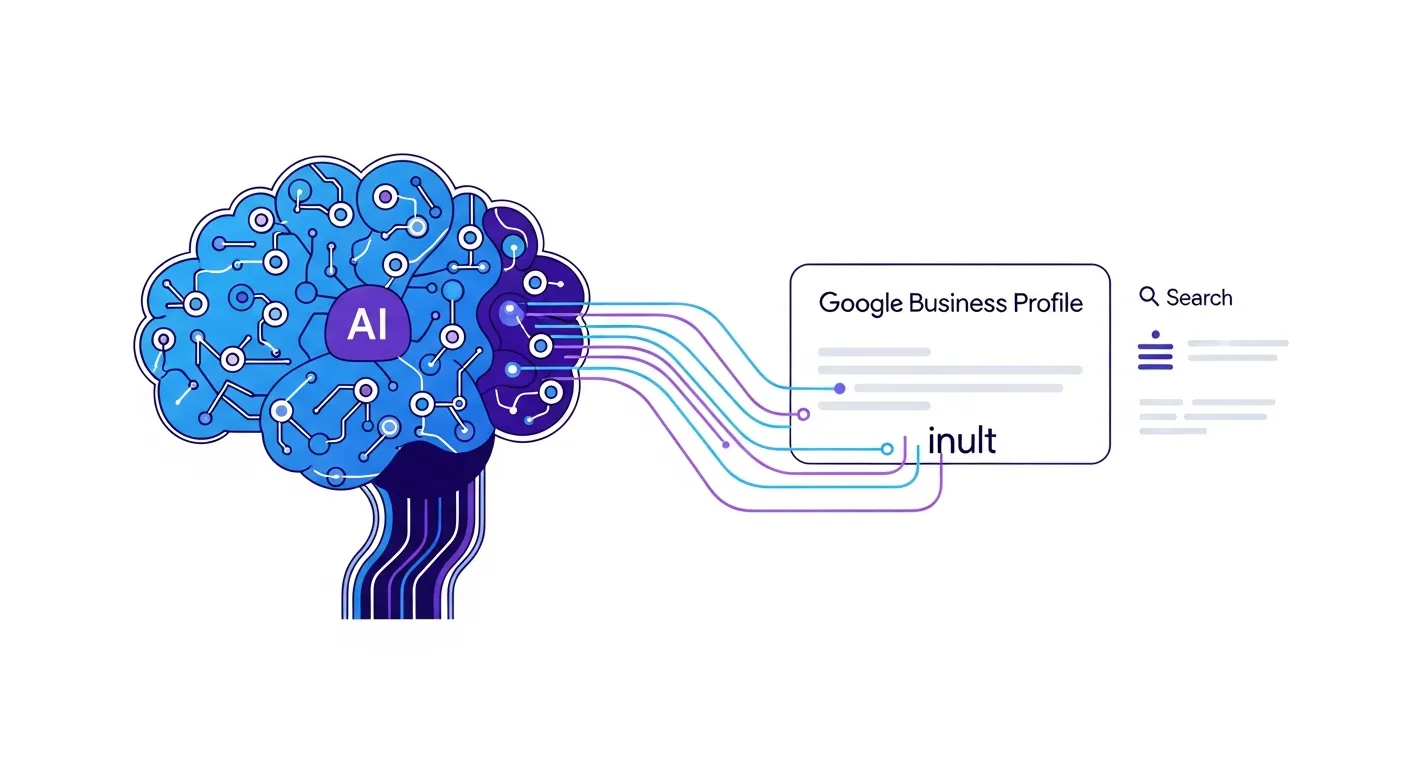
Thanks to Google’s new AI Overviews, your Business Profile isn’t just a ""nice to have"" anymore. It’s front and centre in helping (or steering customers away from) your business. If your profile is incomplete or outdated, you're invisible to those nifty AI-generated summaries popping up on search results. But don’t panic – I’ll explain why this matters and give you practical tips to fix it faster than you can say, ""optimise"".
What Are Google AI Overviews?
Google’s AI Overviews are those neatly summarised answers you now see at the top of search results. You know, when you type something like “best plumber near me” and Google practically hands you the solution on a silver plate? That’s an AI Overview. It pulls its info from trusted sources like your Google Business Profile, reputable directories, and – let’s face it – whichever business seems most organised online.
If your profile is a shambles, though, this AI doesn’t have anything worth pulling. Either your business gets ignored, or worse, it presents outdated or wrong info. For customers, it’s like getting a map to a treasure chest… only to find the chest rusted shut and empty.
What Happens When Your Profile’s Outdated?
Right, imagine your Google Business Profile is a shop window. If it’s full of dusty mannequins and a ""Back in 10 minutes"" sign that’s been there since 2018, customers are walking right past it – no matter how amazing your products or services are.
An incomplete or outdated business profile causes issues like:
You don’t need to be the Sherlock Holmes of digital marketing to see why an incomplete profile is bad for business. Luckily, there’s a lot you can do about it.
How to Optimise Your Google Business Profile for AI Overviews
Here’s where we roll up our sleeves. Making your Google Business Profile AI-friendly doesn’t require a computer science degree, just consistent effort.
1. Finish Filling out Your Profile – and Keep It Current
Google Business Profiles thrive on completeness and freshness. Here’s the basics you must nail:
2. Bring on the Structured Data (Schema Markup)
Stay with me here. Structured data, or schema markup, is a set of tiny bits of code added to your website that helps Google understand your business better.
There are free tools like [Google’s Structured Data Helper](https://www.google.com/webmasters/markup-helper/) that make this dead easy to implement. Focus on:
Think of schema like labelling a box of biscuits. Sure, they’re tasty without it, but the label lets everyone know exactly what they are. AI needs that clarity.
3. Create Question-Focused Content
Google’s AI is smart, but it’s only as good as the information available. Create content on your website that directly addresses customer queries. Ideas could include:
This not only feeds Google the answers it needs but can also win you more qualified leads. If someone already knows your pricing, services, and hours when they call, that’s a hot lead, not a cold one.
Mistakes to Avoid When Managing Your Profile
While we’re at it, let’s go over what not to do:
Action Plan: Steps to Take Today
Here’s a quick to-do list to sort your Google Business Profile like a pro:
Quick Wins (Today)
Medium-Term Tasks (This Month)
Long-Term Strategy (Next 3 Months)
Final Thoughts
If Google AI Overviews are the future of search – and trust me, they are – then think of your Google Business Profile as your ticket to the party. The better you showcase your business, the more likely you are to catch the AI’s attention and turn digital visibility into real-life footfall.
Best of all – many of these steps are free or low-cost. You just need to take the time to care for your online presence like it’s a prized garden. Plant the seeds (update your info), tend to it regularly (write helpful content), and soon enough, you’ll be reaping more local customers than your less-prepared competitors.
Need help? Drop me a line anytime. At The Bee Seen Company, I’m only too happy to steer your marketing efforts in the right direction.
Cheers,
Lewis – The Bee Seen Company