How to Migrate to a Custom Ecommerce System Without Losing Your Google Rankings
Lewis Cowan
The Bee Seen Company
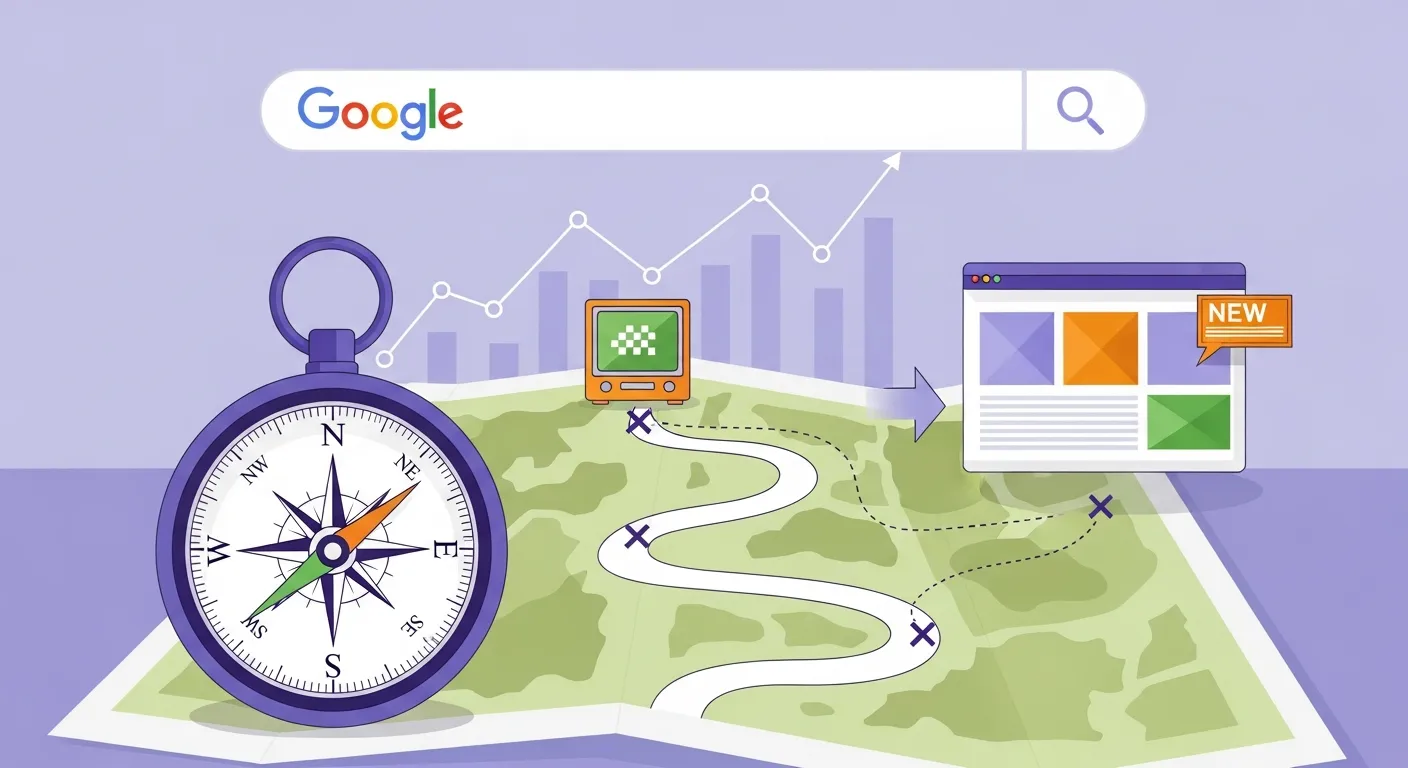
How to Migrate to a Custom Ecommerce System Without Losing Your Google Rankings
So, you've outgrown your current ecommerce platform, and it's time to move to a shiny, custom-built system. Maybe your Shopify site feels like a pair of shoes that's too tight, or WooCommerce is groaning under the weight of too many plugins. Whatever the reason, the last thing you want to do is watch your Google rankings plummet because of a botched migration.
Don’t panic. Moving to a new ecommerce system without losing your hard-earned search visibility is perfectly doable - as long as you don't rush the job and follow a solid process. Let me walk you through it.
Moving Your Site Is Like Moving House
Think of your website as your business’s house. Your products, pages, and metadata are the stuff inside. Migrating to a new ecommerce system is like moving to a new house - exciting, but full of potential for chaos.
If you don’t forward your post (301 redirects), label your boxes (metadata and schema), and make your new place easy to navigate (crawlability and site speed), you’ll lose valuable things along the way - like your Google rankings, traffic, and sales.
Here’s how to make sure your move goes smoothly.
1. Map Out Those 301 Redirects - Don’t Skip This
301 redirects are your forwarding address. They tell search engines (and customers) where your old pages have moved to. If you don’t set these up properly, visitors will hit “page not found” errors faster than you can say, “where’s my traffic?”.
How to Do It:
If your pages are changing structure (e.g., /shop/product to /product-new-name), stay consistent and logical. In other words, keep it simple for both users and search engines.
2. Preserve Metadata and Schema - Don’t Overthink It
Your metadata (title tags and descriptions) and schema (structured data like product details) are like labels and instructions on your moving boxes. They help Google (and searchers) understand what’s inside. If you rewrite everything during migration for the sake of “freshness,” you’ll confuse Google and potentially drop in rankings.
How to Handle It:
3. Use Speed as Your Secret Weapon
Did you know that slow-loading pages lose 53% of mobile visitors? With mobile driving 70% of ecommerce transactions in the UK, improving site speed during your migration is an unmissable opportunity.
Quick Wins for Page Speed:
4. Get Your New House Indexed and Crawlable
When everything’s set up on your shiny new site, you need to make sure Google knows where to find it. Think of it like leaving your new address with the post office.
Key Steps:
5. Test the Move Like a Perfectionist
Before you launch, your new ecommerce site needs a full test drive. This isn’t the time for cutting corners.
Pre-Launch Checklist:
Common Mistakes to Avoid
⚠ Don’t leave old URLs unredirected - even the ones you think aren’t important. Google can penalise you for orphaned pages.
⚠ Don’t reinvent the wheel with metadata. Shiny and new might not perform better than old and trusted.
⚠ Don’t ignore speed. A faster site isn’t just good for users; Google cares about it more than ever in 2025.
Final Advice
Migrating your ecommerce site doesn’t have to mean losing your search engine mojo. It’s a big job, but with proper planning, testing, and attention to detail, you can make the switch without sacrificing your rankings (or your sanity).
Still feeling a bit overwhelmed? Drop me a line at The Bee Seen Company for more tips and advice - I’m here to help busy UK business owners like you navigate stuff like this without hitting the panic button.
Cheers,
Lewis